What it does
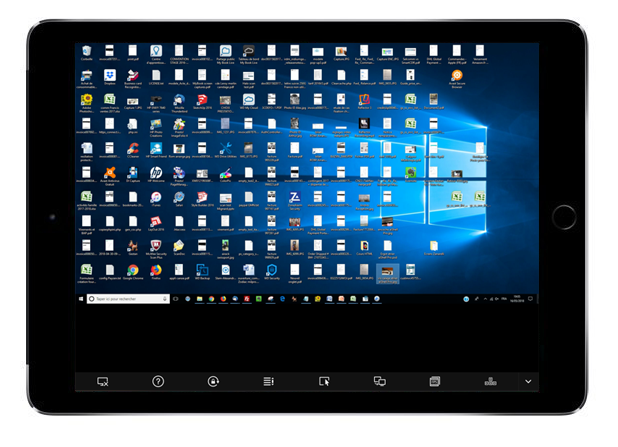
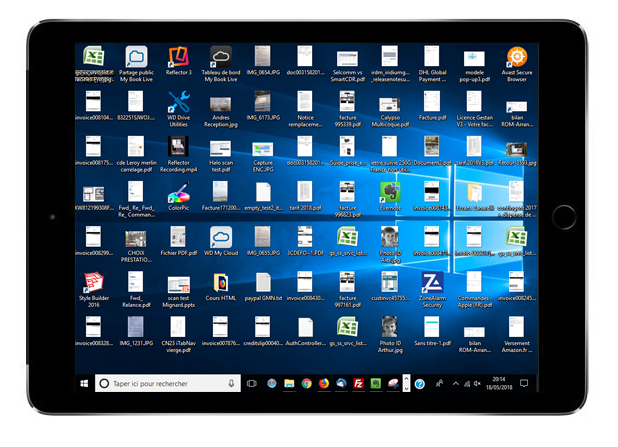
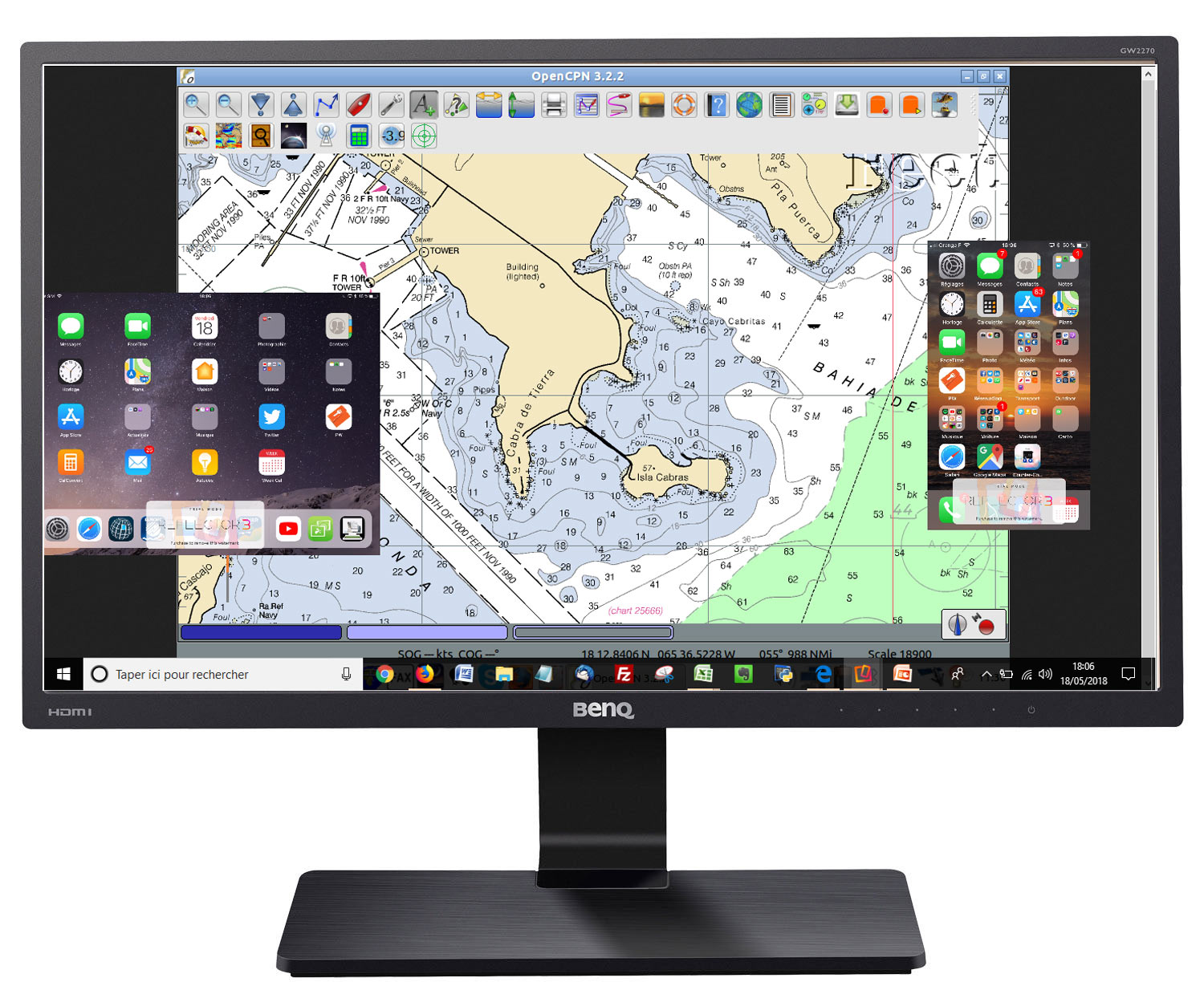
- Viewing the screen of a navigation PC/Mac on another screen located outside in the cockpit saves the helmsman from having to constantly go down to the chart table.
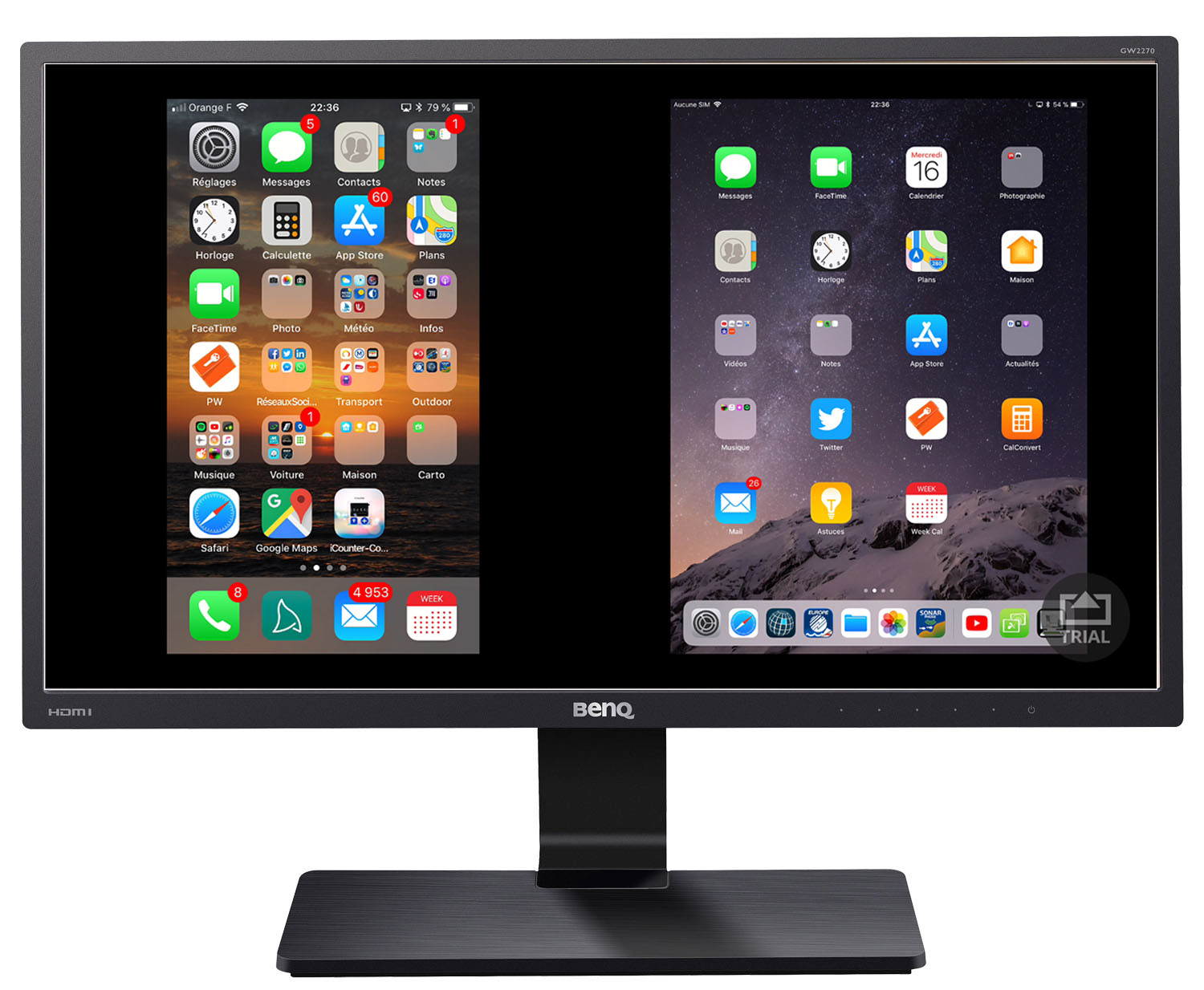
- It is also possible to replicate screens on several stations, which is useful for boats with several helm stations or for different crew members.
How it works
If you don't have a wifi router on board:
This is a common situation, for which we've written a tutorial using the free VNC software. This method is very effective with a Windows or Mac computer. However, setting up an Ad-Hoc connection has become more complicated with the latest versions of Windows. In this case, it's best to opt for a small router (see details below).
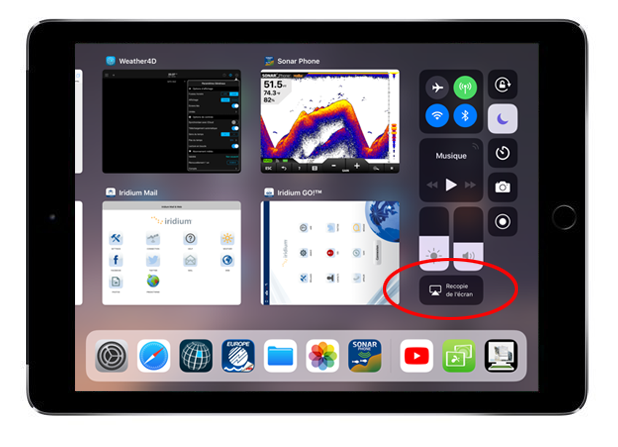
If you have a Mac and an iPad that support SideCar, you can extend the Mac's display to the iPad by enabling Wi-Fi and Bluetooth, without the need for a router. See this Apple tutorial for more information.
With a wifi router on board:
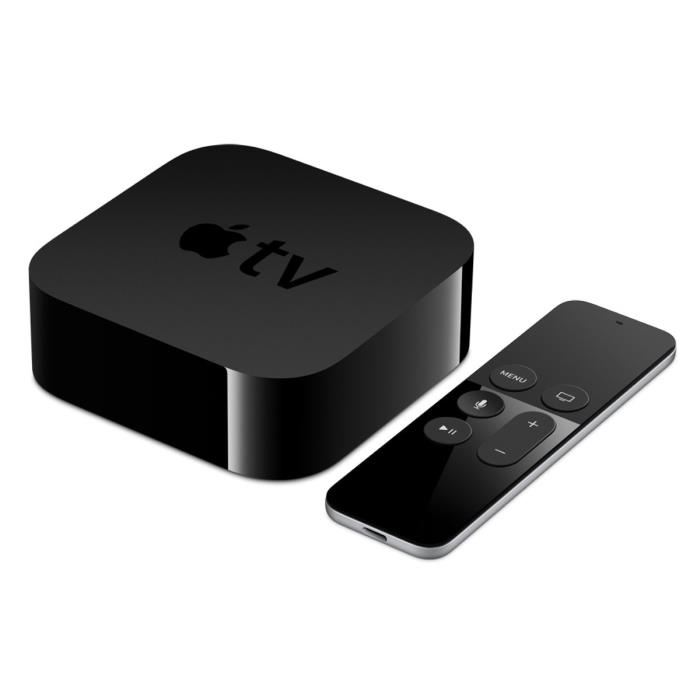
Installing a wifi router (available for under €30) greatly simplifies the connection. Almost any router will do, just make sure it is powered by 12V or 5V USB. For example, you could opt for the TP-Link router included in our wifi kits, or even an Iridium Go! or Go! Exec!
As in the previous case, screen-sharing software needs to be installed on both computer and tablet. Here are two examples: